For many small businesses, a website is far more than an online brochure. It’s a lead generator, a sales tool, and often the first impression potential customers have of your brand. Yet despite its importance, one critical safeguard is frequently overlooked: proper website backups.
Most business owners assume their hosting provider “has backups covered,” or that a single backup is enough if something goes wrong. Unfortunately, that assumption can be costly. Cyberattacks, failed updates, human error, and server issues happen every day — and without reliable backups, recovering your website can be stressful, expensive, or even impossible.
That’s why website backups should be viewed as a business continuity measure, not just a technical task. In this article, we’ll break down what website backups are, why small businesses need more than just one copy, how often backups should run, and what a reliable backup strategy actually looks like. We’ll also explain how managed support can remove the risk and guesswork entirely.
What Is a Website Backup (and Why Small Businesses Can’t Ignore Them)

A website backup is a complete copy of your website that can be restored if something goes wrong. This includes far more than just your visible pages — a proper backup captures:
- Website files (themes, plugins, images, custom code)
- The database (pages, blog posts, form submissions, user data)
- Site configurations and settings
In other words, it’s a snapshot of your website at a specific point in time.
For small businesses, this matters because your website is often a core business asset. If it goes down, gets hacked, or breaks during an update, the impact can be immediate — lost leads, lost sales, and a damaged reputation. Without a backup, recovery may require rebuilding the site from scratch, which is far more expensive than preventing the issue in the first place.
Backups Aren’t Optional — They’re Risk Management
Many business owners assume backups are a technical “nice-to-have.” In reality, they’re a form of risk management. Websites fail for reasons that are often completely outside your control, including:
- Plugin or theme updates that conflict with each other
- Hosting or server issues
- Accidental deletions or changes
- Security breaches and malware infections
A recent, reliable backup gives you a safety net. Instead of scrambling to fix or recreate a broken site, you can restore a clean, working version and get back online quickly.
Why One Backup Isn’t Enough
One of the biggest misconceptions is that having a single backup solves the problem. In practice, this creates a single point of failure. If that one backup is outdated, corrupted, or stored on the same server as your website, it may be useless when you need it most.
This is why professional backup strategies focus on:
- Multiple backup instances
- Stored in different locations
- Maintained automatically, not manually
For small businesses that depend on their website, backups aren’t about “if” something goes wrong — they’re about being prepared for when it does.
What Happens When You Don’t Have Proper Backups

When something goes wrong with a website and there’s no reliable backup in place, small issues can quickly turn into major business problems.
Websites commonly break due to:
- Security incidents, such as malware or hacking attempts
- Failed updates, where plugins or themes conflict
- Human error, like accidental deletions or misconfigurations
- Hosting or server issues outside your control
Without a recent backup, recovering from any of these situations can be difficult, time-consuming, or impossible. Instead of restoring a working version of the site, businesses are often forced to troubleshoot blindly or rebuild from scratch.
The real impact goes beyond technical headaches:
- Lost leads or sales during downtime
- Damage to SEO rankings and online visibility
- Erosion of customer trust when a site is unavailable or flagged as unsafe
For small businesses, even a short outage can have lasting consequences — which is why having proper backups in place is critical.
Why Multiple Backup Instances Matter (Not Just One)

One of the most common mistakes small businesses make is assuming that having a single backup is enough. In reality, relying on one backup creates a single point of failure — and that defeats the purpose of having a safety net in the first place.
If that one backup is:
- Outdated
- Corrupted
- Stored on the same server as the website
…it may be completely unusable when you need it most.
The Risk of Single-Location Backups
Many hosting providers store backups on the same server as your live website. If the server is hacked, fails, or becomes corrupted, both the website and its backups can be affected at the same time.
This is why professional backup strategies focus on separation and redundancy.
What a Reliable Backup Strategy Looks Like
A strong backup system includes:
- Multiple backup instances (not just one)
- Stored in different locations
- A history of restore points, not just the latest version
- Automated backups that run consistently without manual effort
This approach ensures that if one backup fails, there are others available — increasing the chances of a fast and clean recovery.
Why This Matters for Small Businesses
When downtime costs you leads, sales, or credibility, recovery speed matters. Having multiple restore points stored in different places allows your website to be rolled back quickly to a known, working version — minimizing disruption to your business.
How Often Should a Small Business Website Be Backed Up?

There’s no one-size-fits-all answer to how often a website should be backed up. The right frequency depends on how often your website changes and how critical that data is to your business.
Backup Frequency Based on Website Type
Low-update websites
For basic service or brochure-style websites that rarely change, weekly backups are generally the minimum recommended. Even then, automated backups are still important to avoid gaps.
Content-driven websites
If your site is updated regularly with blog posts, landing pages, or content changes, daily backups are a safer option. This ensures you’re not losing days’ worth of work if something breaks.
Ecommerce or high-activity websites
For websites processing orders, bookings, or user data, backups should run multiple times per day or in near real-time. Losing even a few hours of data can mean lost revenue and customer issues.
Why Backup History Matters
Backup frequency isn’t just about how often backups run — it’s also about how many restore points are kept. If you only have one or two recent backups, you may not be able to roll back far enough to a clean version of your site.
A reliable setup keeps:
- Multiple restore points
- Backups from different points in time
- Copies stored in separate locations
This gives you flexibility when restoring your site, especially if an issue goes unnoticed for days.
Automation Is Key
Manual backups are easy to forget and inconsistent by nature. Automated backups ensure your website is protected even when you’re not thinking about it — which is exactly how a backup system should work.
Backup Tools & Solutions (Including WordPress Options)
There are several ways small businesses can handle website backups, but not all solutions offer the same level of protection. Understanding the differences is key to choosing the right approach.
Hosting-Level Backups
Many hosting providers include backups as part of their plans. While this is better than having no backups at all, these backups are often:
- Limited in how long they’re retained
- Stored on the same server as your website
- Not easily accessible or restorable by non-technical users
Relying solely on hosting backups can leave gaps in your protection strategy.
WordPress Backup Plugins
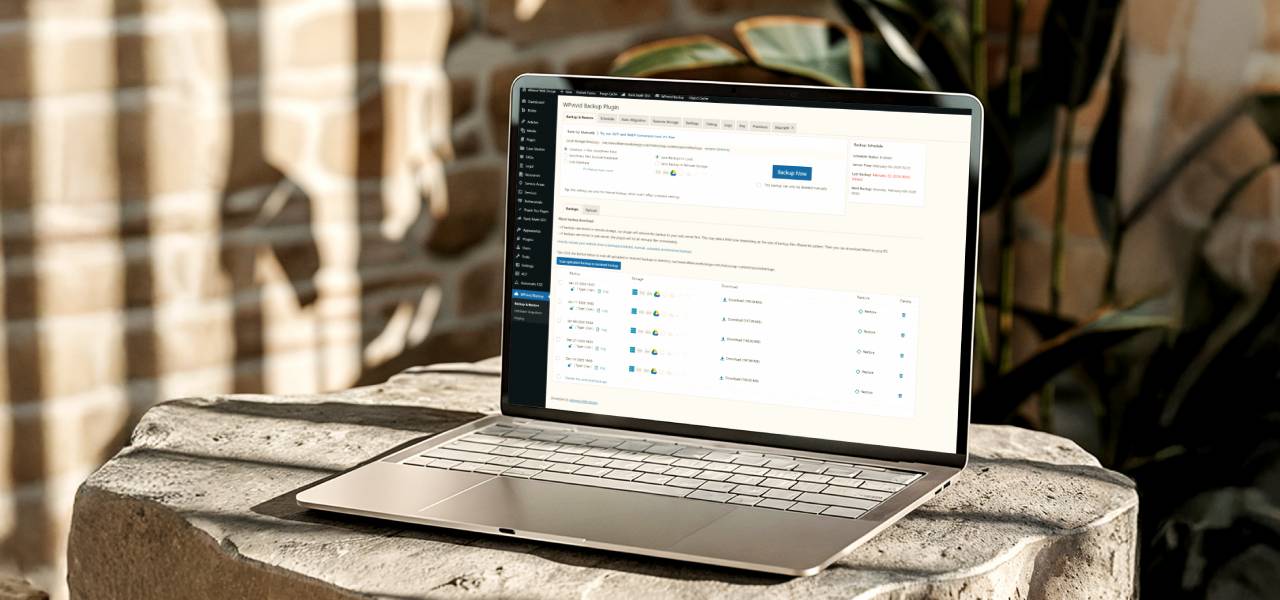
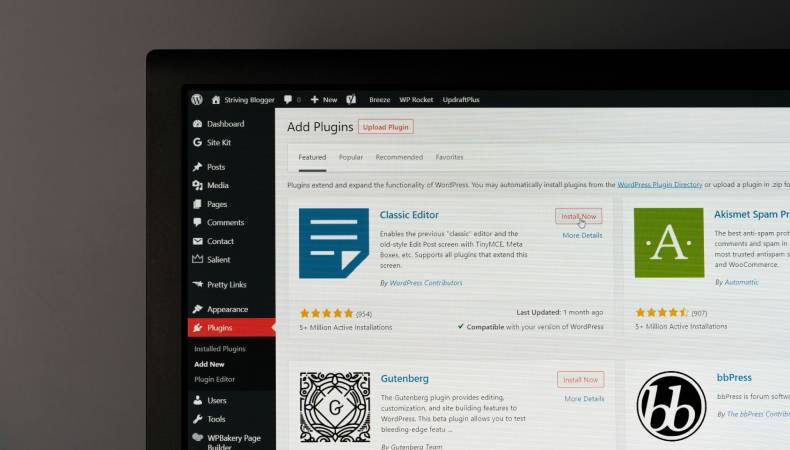
For WordPress websites, backup plugins provide more flexibility and control. Tools like WPvivid allow you to:
- Schedule automated backups
- Store backups in multiple locations (such as cloud storage)
- Maintain multiple restore points
- Restore your site quickly if something goes wrong
When configured correctly, plugins like this help eliminate single points of failure — especially when backups are stored off-site and retained over time.
That said, backup tools still require:
- Proper setup
- Ongoing monitoring
- Periodic testing to ensure restores actually work
Without this oversight, backups may exist in theory but fail when you need them most.
Why Tools Alone Aren’t Enough
Even with good tools in place, many small businesses discover too late that:
- Backups stopped running
- Restore points were incomplete
- Backups were overwritten or corrupted
This is where a managed approach makes a difference.
We don’t rely on a single tool or location. Our support plans include automated, multi-point backups stored in different locations, along with ongoing monitoring — so backups are not just created, but actually tested regularly and usable when needed.
DIY Backups vs Managed Backup Solutions

Small businesses generally fall into one of two categories when it comes to website backups: managing them internally or relying on a managed service.
Managing Backups Yourself
Handling backups on your own can work in some cases, but it comes with trade-offs. DIY backups typically involve installing and configuring backup plugins, choosing storage locations, scheduling and monitoring backups, and testing restores to make sure they actually work.
While this approach may reduce upfront costs, it also introduces risk. Backups can silently fail, schedules can break, or restore points may not go back far enough when an issue is discovered days later.
Using a Managed Backup Solution
Managed backup solutions remove much of the guesswork and ongoing responsibility. Instead of hoping everything is working as expected, backups are automated and monitored, stored in multiple locations, retained across multiple restore points, and ready to be restored quickly if something goes wrong.
For most small businesses, this approach offers better long-term protection and far less stress — especially when a website is critical to daily operations.
How Alliance Web Design Approaches Backups
Backups are treated as a core part of website support — not an optional add-on. All support plans include multi-point backups stored in different locations, along with ongoing monitoring to ensure those backups are reliable and usable. The goal is simple: eliminate single points of failure and protect your business before problems arise.
Conclusion
Website backups are one of those things most small businesses don’t think about until something goes wrong — and by then, it’s often too late. A single backup stored in one place isn’t enough to protect your website, your data, or your business.
A reliable backup strategy includes multiple backup instances, stored in different locations, running automatically and frequently enough to match how your website is used. This approach reduces downtime, protects your SEO and content, and gives you the ability to recover quickly when issues happen — whether they’re caused by updates, security incidents, or simple human error.
If you’re not sure how your current backups are set up, or whether they’d actually work when you need them, it’s worth taking a closer look. Having a proper backup system in place isn’t about preparing for the worst — it’s about ensuring your business stays online, secure, and resilient.